

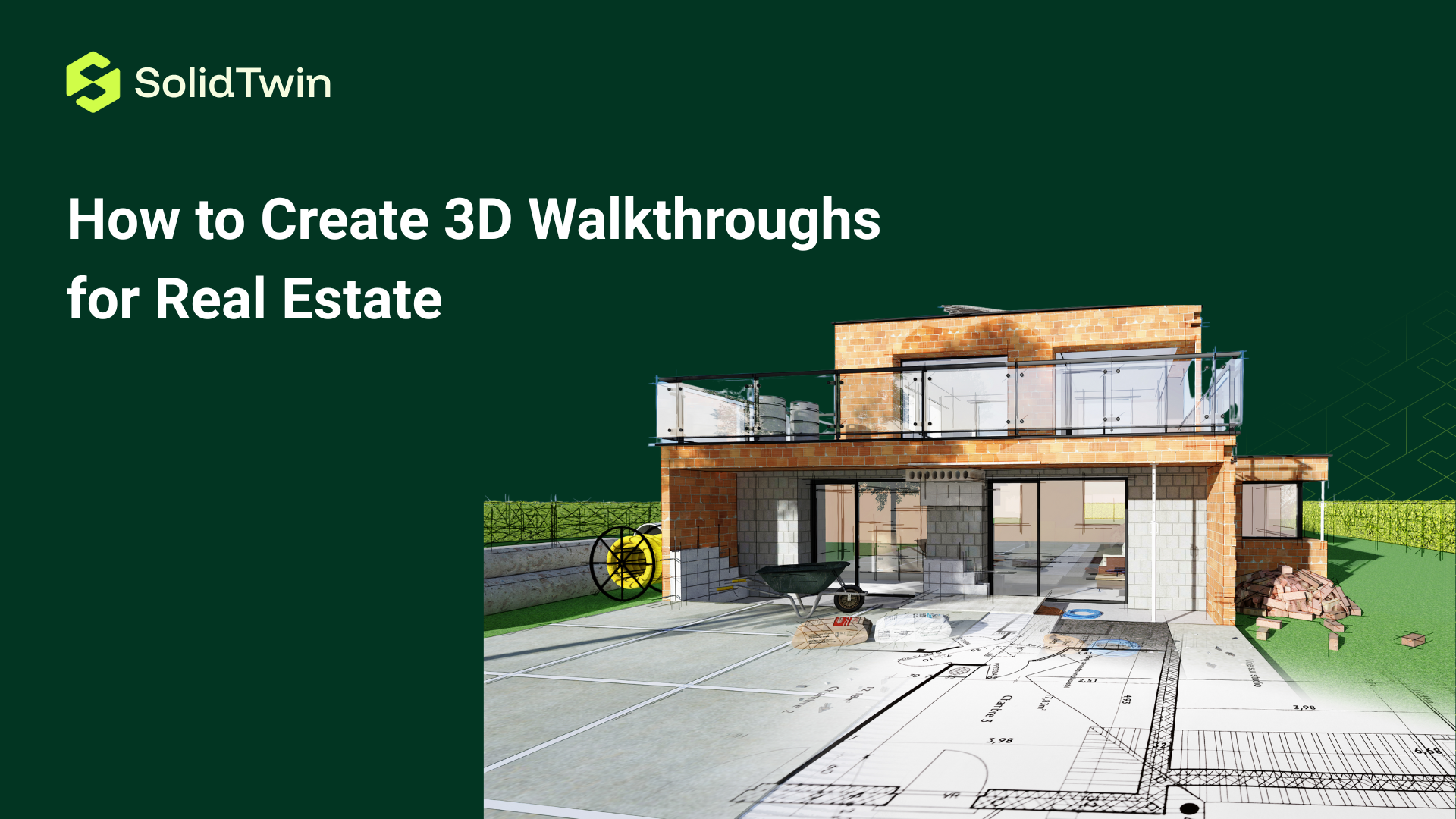
Creating high-quality 3D walkthroughs has become an essential skill for real estate professionals seeking to compete effectively in modern property markets. These immersive virtual experiences allow potential buyers to explore properties remotely with unprecedented detail and realism, transforming how homes are marketed and sold. While 3D walkthrough technology once required expensive equipment and specialized expertise accessible only to large agencies, advances in hardware affordability and software accessibility have democratized the process, enabling individual agents and small firms to produce professional-quality virtual tours. Understanding the complete workflow from planning and equipment selection through capture techniques, post-processing, and distribution ensures that your 3D walkthroughs deliver maximum impact and return on investment. This comprehensive guide covers everything needed to create compelling 3D walkthroughs that attract buyers, accelerate sales cycles, and establish your competitive advantage in increasingly digital real estate markets.
Understanding 3D Walkthrough Types
Before beginning the creation process, understanding different 3D walkthrough types helps you select the approach best suited to your needs, budget, and target properties. Dollhouse view walkthroughs provide three-dimensional floor plans where viewers see the entire property structure from external perspectives, understanding spatial relationships and layouts before entering virtual rooms. This bird’s-eye perspective helps buyers grasp property flow and room connections that traditional floor plans cannot convey effectively. Guided video tours follow predetermined paths through properties with smooth camera movements and professional narration, offering polished cinematic experiences ideal for high-end listings requiring storytelling elements. Self-guided interactive tours allow viewers complete freedom to navigate properties at their own pace, clicking to move between rooms, rotating views three hundred sixty degrees, and focusing on features most relevant to their interests. Augmented reality walkthroughs overlay virtual property elements onto physical spaces through smartphone or tablet screens, enabling buyers to visualize renovations or see furnished versions of empty properties during actual site visits. Virtual reality walkthroughs provide fully immersive experiences viewed through VR headsets, creating the most realistic remote property exploration possible. Each type serves different purposes and audiences—luxury properties often warrant VR capabilities, while standard residential listings perform well with interactive tours, and commercial properties benefit from dollhouse views showing entire floor configurations.
Essential Equipment and Technology
Selecting appropriate equipment represents the first practical step in creating 3D walkthroughs, with options ranging from budget-friendly smartphone solutions to professional camera systems costing thousands of dollars. Entry-level creation uses modern smartphones equipped with LiDAR sensors, particularly iPhone Pro models, which can capture decent-quality 3D scans through apps like Polycam or Canvas, making this approach accessible for agents testing technology before major investments. Mid-range solutions employ 360-degree cameras like Ricoh Theta or Insta360, costing between three hundred and eight hundred dollars, which capture spherical images stitched into continuous panoramas suitable for basic virtual tours. Professional 3D cameras represent the gold standard, with Matterport Pro2 or Pro3 cameras ($3,000-$5,000) capturing high-resolution imagery and spatial data simultaneously, producing the most impressive walkthroughs with accurate measurements and smooth navigation. Supporting equipment includes sturdy tripods essential for stable captures, ensuring cameras remain level and stationary during scanning processes. Sufficient lighting equipment helps properties appear bright and welcoming, with portable LED panels supplementing natural light in darker spaces. Reliable computer systems with adequate processing power handle the substantial computational demands of stitching images and rendering 3D models. External hard drives provide storage for large files that can quickly consume computer capacity. Investing in quality equipment pays dividends through professional results that attract buyers and justify premium service fees.
Pre-Shoot Planning and Property Preparation
Thorough preparation before arriving at properties ensures efficient shooting sessions and superior final results. Communicate with property owners or sellers about timing, explaining that optimal natural lighting occurs during mid-morning to early afternoon when sunlight illuminates interiors without harsh shadows. Request that all lights throughout the property be turned on before arrival, creating bright, welcoming spaces that photograph attractively and compensate for any darker corners. Property decluttering constitutes perhaps the most critical preparation step—remove personal items, excess furniture, and anything creating visual clutter that distracts from architectural features and spatial qualities buyers should focus on. Kitchen counters should be completely clear, bathroom toiletries removed, and refrigerator surfaces cleaned of magnets and papers. Professional staging, whether actual furniture arrangement or virtual staging added during post-processing, dramatically improves walkthrough appeal. Close all toilet lids, hide trash cans, and ensure beds are neatly made with fresh linens. Exterior preparation includes tidying yards, removing garden hoses, and ensuring driveways are clear of vehicles. Scout the property briefly upon arrival, planning your capture route before beginning—typically starting at the front entrance and moving logically through the home ensures comprehensive coverage without missed areas. Create a mental or written checklist of all rooms and spaces requiring capture, including closets, laundry areas, garages, and outdoor spaces that buyers want to see.
Capture Techniques and Best Practices
Executing the actual capture process requires attention to technique ensuring high-quality results suitable for professional presentation. Position your 3D camera at consistent heights throughout the property, typically chest-to-eye level (approximately five feet), which provides natural perspectives matching how humans experience spaces. Maintain consistent camera orientation and leveling at each scan position, as tilted cameras create disorienting experiences when viewers navigate between capture points. Spacing between capture positions significantly impacts final quality—professional walkthroughs typically place scan points every six to ten feet, ensuring smooth transitions and comprehensive coverage without gaps where viewers might get stuck. Overlap coverage between scan positions helps stitching software connect spaces seamlessly, so angle each capture to include areas visible in adjacent scans. Pay special attention to doorways and transitions between rooms, capturing additional scan points that clearly show how spaces connect. Small rooms may require only one or two capture positions, while large open areas need multiple positions allowing viewers to explore the entire space. Capture all property features including closets, pantries, mechanical rooms, and storage areas that buyers want to verify. Outdoor spaces require careful attention to lighting conditions—avoid midday harsh shadows by capturing exteriors during morning or late afternoon when lighting is softer and more flattering. Remain completely still and silent during each capture, as movement or noise can interfere with the scanning process depending on your equipment type.
Software Platforms and Processing
After capturing raw 3D data, processing through appropriate software platforms transforms scans into polished, navigable walkthroughs. Matterport Cloud Services automatically processes scans from Matterport cameras, typically completing within hours and producing high-quality virtual tours accessible through web links shareable with clients. The platform includes features like measurement tools, dollhouse views, floor plan generation, and highlight tags identifying specific features. Cupix offers alternatives for 360-degree camera users, processing spherical images into navigable tours with virtual reality compatibility. iGUIDE provides Canadian-focused solutions with excellent floor plan accuracy and measurement tools valuable for buyers and appraisers. EyeSpy360 and CloudPano offer budget-friendly platforms for processing and hosting virtual tours from various camera types. Each platform involves uploading captured images or scan data, allowing cloud-based servers to handle computational heavy-lifting of stitching images, creating 3D models, and generating navigable interfaces. Processing times vary from hours to days depending on property size, image quantity, and platform capacity. During processing, many platforms offer customization options including adding informational tags, virtual staging, measurement overlays, and branding elements. Review processed walkthroughs carefully before publishing, checking for stitching errors, missing areas, or technical glitches that occasionally occur and can be corrected through re-scanning specific positions.
Enhancing with Virtual Staging and Editing
Post-processing enhancements transform good 3D walkthroughs into exceptional marketing tools that maximize property appeal. Virtual staging adds photorealistic furniture and decor to empty rooms, helping buyers visualize how spaces can be utilized and making vacant properties feel warm and inviting rather than cold and empty. Services like BoxBrownie, VirtualStagingSolutions, and PhotoUp provide affordable virtual staging, typically $150-$250 per room, where designers digitally furnish spaces according to target demographic preferences. Photo editing improves individual images within walkthroughs, brightening dark areas, correcting color balances, enhancing sky appearances in exterior shots, and removing unwanted elements like trash cans or electrical cords. HDR (High Dynamic Range) processing balances exposure between bright windows and darker interiors, preventing blown-out windows while maintaining visible interior details. Floor plan enhancement involves cleaning up automatically generated floor plans, ensuring accuracy, adding dimension measurements, and incorporating professional design elements. Custom branding adds agent logos, contact information, and property details prominently within walkthroughs, ensuring viewers can easily reach you when interested. Informational hotspots or mattertags highlight special features—clicking tagged points displays descriptions of appliances, recent renovations, or unique architectural details. Music and narration can be added to guided tours, with background music creating ambiance and voice narration explaining features and telling property stories. Balance enhancement with authenticity—over-editing that misrepresents properties creates legal liability and buyer disappointment during physical viewings.
Publishing and Distribution Strategies
Creating exceptional 3D walkthroughs delivers value only when effectively distributed to reach potential buyers where they search for properties. Multiple listing service (MLS) integration ensures walkthroughs appear prominently in listings where most buyers begin searches, with direct links or embedded viewers providing immediate access. Property websites and landing pages should feature walkthroughs prominently, ideally as hero elements above the fold where visitors see them immediately upon arrival. Social media platforms including Facebook, Instagram, and LinkedIn allow sharing walkthrough links with engaging captions highlighting unique property features, leveraging networks and algorithms to expand reach beyond existing followers. Email marketing to buyer databases should feature new listing walkthroughs prominently, with compelling subject lines encouraging opens and click-throughs. YouTube hosting of walkthrough video exports creates additional discovery channels while improving SEO through video content that search engines favor. Real estate platforms like Zillow, Realtor.com, and Redfin prominently display properties with 3D tours, often featuring them in search results and recommendation algorithms. Digital experience centers can showcase walkthroughs on large displays or through VR headsets, providing impressive in-person experiences for clients visiting offices. QR codes on property signage and marketing materials enable smartphone users to instantly access walkthroughs, converting yard sign views into engaged virtual property tours. Track analytics including view counts, time spent, and navigation patterns to understand which distribution channels perform best and how buyers engage with walkthroughs.
Optimizing for Mobile and Cross-Platform Access
Ensuring 3D walkthroughs function flawlessly across devices maximizes accessibility and viewer engagement. Mobile optimization is critical since substantial percentages of property searches occur on smartphones and tablets—test walkthroughs on multiple mobile devices ensuring fast loading, smooth navigation, and intuitive controls designed for touchscreens rather than mouse-and-keyboard interfaces. Responsive design ensures walkthroughs automatically adjust to different screen sizes, maintaining functionality and visual appeal whether viewed on smartphones, tablets, laptops, or desktop computers. File size optimization balances quality with loading speed, as large files frustrate mobile users on cellular connections—compression techniques reduce file sizes without visibly degrading quality. Browser compatibility testing verifies that walkthroughs function properly across Chrome, Safari, Firefox, and Edge browsers, as technical specifications vary and can cause display issues on certain platforms. Virtual reality compatibility expands accessibility for users with VR headsets seeking fully immersive experiences, requiring specific formatting and controls optimized for headset interfaces. Loading speed optimization is crucial since research shows that users abandon slow-loading content within seconds—prioritize performance through efficient coding, image compression, and content delivery networks that serve data from geographically distributed servers. Accessibility features including text alternatives for images, keyboard navigation options, and compatibility with screen readers ensure walkthroughs serve users with disabilities. Regular testing across platforms and devices catches issues before clients encounter them, maintaining professional standards and positive user experiences.
Monetizing and Pricing Your Services
Successfully creating 3D walkthroughs enables real estate professionals to monetize this valuable skill through various business models. Service pricing for 3D walkthrough creation typically ranges from $150 to $500 per property depending on size, complexity, processing requirements, and local market conditions, with luxury properties and commercial spaces commanding premium rates. Subscription models offer property owners or agents unlimited walkthroughs for monthly fees, creating predictable recurring revenue while incentivizing volume that maximizes equipment and skill investments. Value-added packages bundle 3D walkthroughs with professional photography, virtual staging, drone footage, and video tours, providing comprehensive marketing solutions that justify higher pricing through convenience and cohesive branding. Exclusive listing services position 3D walkthroughs as premium features available only for properties listed with your agency, creating competitive differentiation that attracts sellers seeking maximum marketing exposure. Training and consulting services teach other agents to create their own walkthroughs, generating income from expertise while potentially creating referral relationships. Equipment rental to agents or photographers who need occasional access without purchase commitments generates additional revenue from existing investments. Calculate pricing based on actual costs including equipment depreciation, software subscriptions, processing time, travel, and opportunity costs, ensuring profitability while remaining competitive with market rates. Communicate value effectively to clients by sharing statistics on increased engagement, faster sales, and higher prices achieved through properties marketed with 3D walkthroughs.
Measuring Success and ROI
Tracking metrics and analyzing performance ensures that investments in 3D walkthrough creation deliver measurable returns justifying continued resource allocation. View analytics reveal how many people access walkthroughs, indicating marketing reach and buyer interest levels—platforms typically provide detailed statistics accessible through dashboards. Engagement metrics including average viewing time, rooms visited, and navigation patterns indicate whether buyers thoroughly explore properties or abandon tours quickly, with longer engagement suggesting higher interest and better walkthrough quality. Conversion tracking correlates walkthrough views with showing requests and offers, quantifying how virtual tours influence buyer actions and transaction outcomes. Time-on-market comparisons between properties with and without 3D walkthroughs demonstrate acceleration of sales cycles, with virtual tours typically reducing average days on market by twenty to forty percent. Final sale price analysis determines whether properties marketed with walkthroughs achieve asking prices more frequently or command premiums compared to traditionally marketed comparables. Cost-per-lead calculations divide walkthrough creation costs by the number of qualified buyer inquiries generated, providing clear metrics for marketing efficiency. Agent productivity improvements manifest through reduced time spent on unqualified showings, as buyers pre-screen properties virtually and schedule in-person visits only for serious contenders. Client satisfaction surveys capture qualitative feedback about walkthrough experiences, informing improvements while providing testimonials for marketing materials. Document these metrics systematically, creating case studies demonstrating value to potential clients while justifying premium service fees or listing commissions.
Conclusion
Creating professional 3D walkthroughs for real estate involves understanding different walkthrough types, selecting appropriate equipment, preparing properties thoroughly, executing careful capture techniques, processing through suitable software platforms, enhancing with virtual staging and editing, distributing strategically across channels, optimizing for cross-platform access, monetizing services effectively, and measuring success through comprehensive analytics. While the process requires initial investment in equipment and skills development, the competitive advantages, marketing effectiveness, and client value delivered by high-quality 3D walkthroughs justify these commitments. As buyer expectations continue evolving toward digital-first property search experiences, mastering 3D walkthrough creation positions real estate professionals advantageously in increasingly competitive markets where technological capabilities differentiate successful practitioners from those left behind by industry transformation.

